In modern data centers, server rooms, and IT infrastructure, efficient and secure server management is critical. A high-quality KVM (Keyboard, Video, Mouse) console helps IT teams access multiple servers from a single console — reducing cost, saving space, and simplifying operations.
At NetBiz Technologies, we supply Safenet KVM solutions in both VGA and IP configurations with 8, 16, and 32-port options. Here’s why Safenet is the superior choice for your IT setup.
✅ 1. All-in-One Rack-Mount Console Saves Space
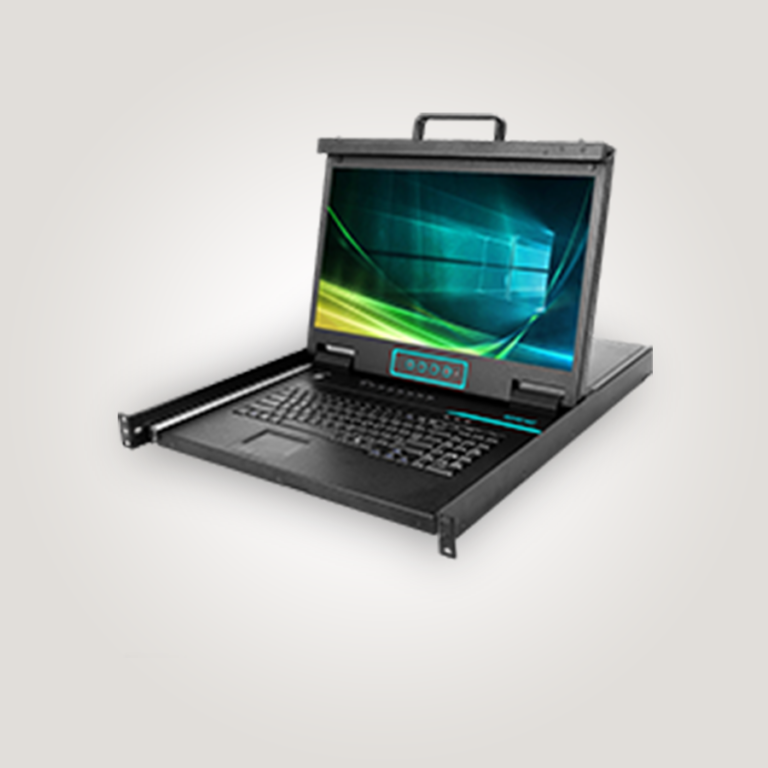
Safenet KVMs feature integrated keyboard + mouse + widescreen monitor in a compact rack-mountable form factor.
✔ Space-saving 1U design
✔ Easy installation in standard racks
✔ No need for separate peripherals
This reduces clutter and gives you a clean, organized server rack.
✅ 2. High-Quality Display & Better Visibility
With Safenet KVMs you get:
📺 Full HD (1920×1080) widescreen display
✔ Clear visibility for OS interfaces
✔ Easy navigation in BIOS and server management tools
✔ Better than traditional 1280×1024 VGA screens
Great visuals mean faster troubleshooting and more accurate configurations.
✅ 3. VGA KVM or IP KVM — Both Available
Safenet offers both types so you can choose based on your needs:
🔹 VGA KVM
✔ Local server access
✔ Simple setup
✔ Lower cost
✔ Perfect for environments where remote network access isn’t required
🔹 IP KVM
✔ Local and remote access over IP
✔ Secure encrypted sessions
✔ BIOS-level server control from anywhere
✔ Ideal for remote admins and distributed teams
Whether you want simplicity or remote management, Safenet has you covered.
✅ 4. Multiple Port Options — Scale Easily
Safenet KVMs come in:
✔ 8-port
✔ 16-port
✔ 32-port
This lets you scale your infrastructure without upgrading hardware prematurely.
💡 Example:
Start with 8 ports for a small business— expand to 32 ports as your business grows.
✅ 5. Clean Cabling with Twisted-Pair Support
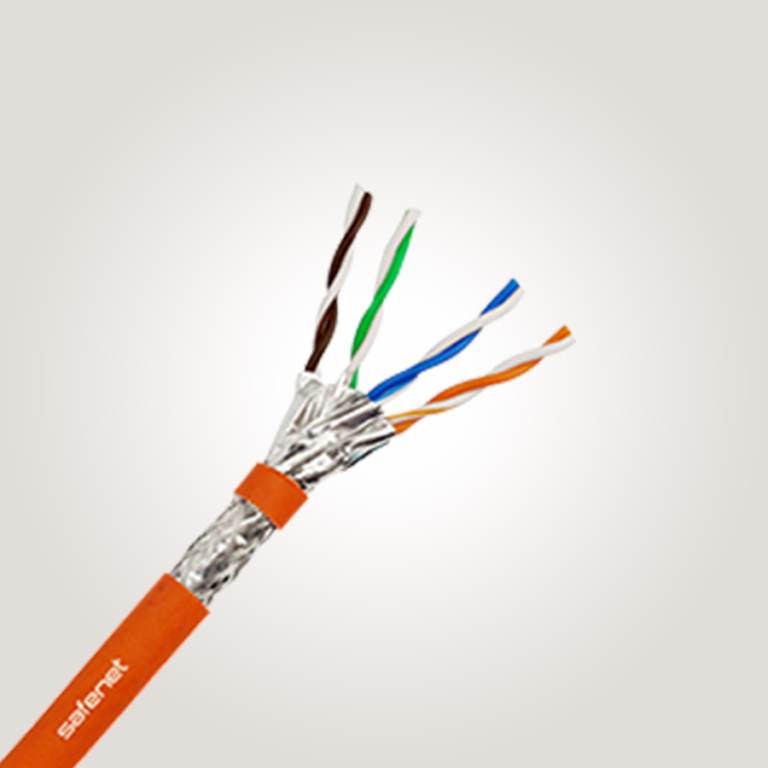
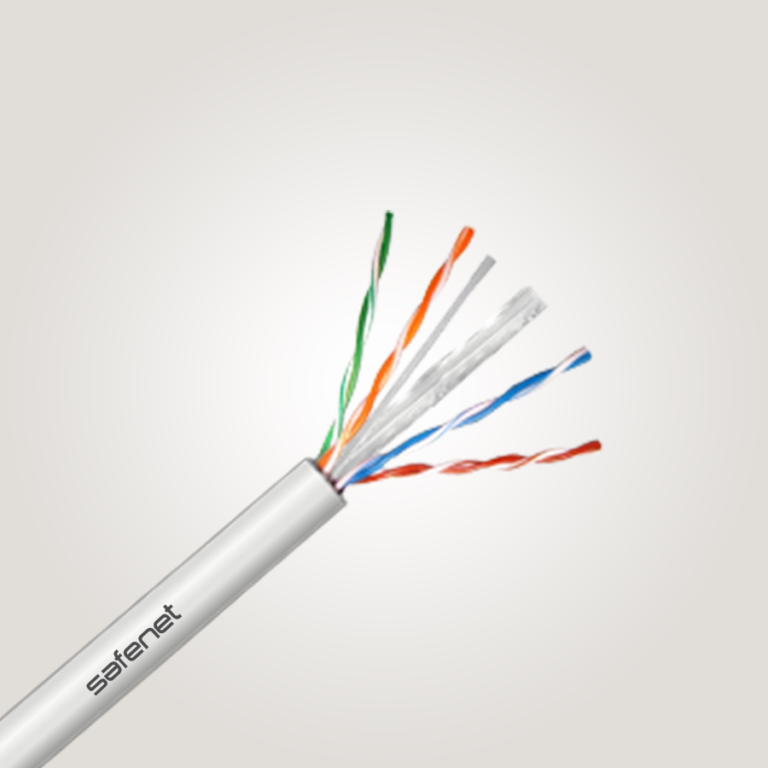
Traditional KVMs use thick multi-wire cables. Safenet KVMs use Cat5e/Cat6 twisted-pair cabling, which makes cable management:
✔ Cleaner
✔ Easier
✔ Longer reach (up to ~100 m)
Better cabling = easier maintenance and fewer headaches for IT teams.
✅ 6. Enhanced Security & Permissions
Especially with IP models, Safenet offers:
✔ User access control
✔ Login authentication
✔ Encrypted remote sessions
✔ Audit logging
This ensures that only authorized personnel can access sensitive servers — critical for enterprise and compliance needs.
📊 Quick Comparison
| Feature | Safenet VGA KVM | Safenet IP KVM |
|---|---|---|
| Local Access | ✔ | ✔ |
| Remote Network Access | ❌ | ✔ |
| BIOS Level Control | ❌ | ✔ |
| Encryption | ❌ | ✔ |
| Display Quality | Standard | Full HD |
| Cost | Lower | Higher |
🔍 Which One Should You Choose?
✅ VGA KVM — Best for basic server rooms where IT access is always local.
✅ IP KVM — Best for remote admin access, 24/7 maintenance, and secure operations.
If remote management and future-proofing are priorities, Safenet IP KVM offers the best long-term value.
Conclusion
Safenet KVM consoles are better because they combine flexibility, scalability, and control for both local and remote server management. Whether you choose VGA or IP — in 8, 16, or 32 ports — you’re investing in a solution that keeps your infrastructure reliable and easy to operate.